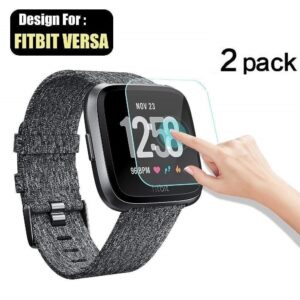
For best use, follows the steps given below.
Step 1 – Using the cleaning clothes, clean the fingerprints, dust, oil, and dirt on the LCD surface.
Step 2 – Remove sticker No. 1, expose 2 CM of the screen film, not to touch the adhesive side.
Step 3 – Paste the tempered glass gently on the screen.
Step 4 – Using the finger, remove the bubbles.
Note – This glass is not compatible with Honor MagicWatch 2. Both have different tempered glass.
Get access to your Orders, Wishlist and Recommendations.
Signup
Your personal data will be used to support your experience throughout this website, to manage access to your account, and for other purposes described in our privacy policy.